










Mobile Version [Free]
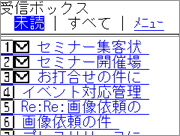 |
Available for Japan's major carriers, i-Mode, WAP Supported EZWeb, Yahoo! KEITAI. Using Mobile ID authentication makes login easier. (The user interface is available in Japanese only) |
|---|
1. Receive, Read, Reply and Forward
 |
 |
 |
 |
|---|---|---|---|
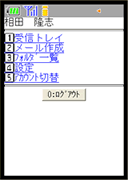
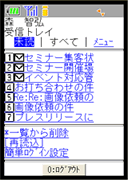
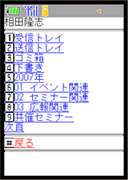
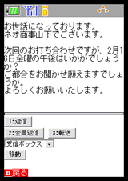
| Menu | Inbox | Folders | Open Message |
| The menu shows available menu items. | You can see all the messages or unread messages in the Inbox. | This is the list of folders. | A message is displayed like this. On this screen, you can open a screen to reply, reply all, and forward the message. |
2. Compose and Send
 |
 |
 |
 |
|---|---|---|---|
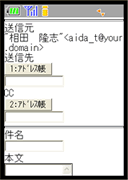
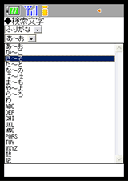
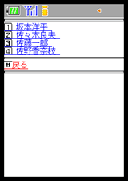
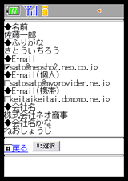
| Compose Message | Find Contacts | Search Results Screen | Contacts |
| You can choose Contacts from the Address Book or enter addresses manually. | You can search the Address Book in Furigana, E-mail, Domain and Company name. | Showing the search results. | You can also choose E-mail addresses from your personal address book. |
| 3. Easy Login | 4. Select Account | ||
|---|---|---|---|
 |
 |
 |
|
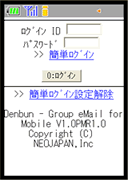
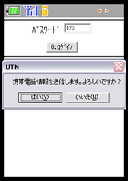
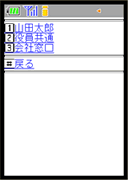
| Login Screen | Easy Login | Select Account | |
| You can login by Login ID and Password as well as Mobile ID. | You can register your Mobile phone number so that you do not have to enter Login ID on your mobile phone. | If a user has more than one account, the user can choose an account form the list. | |
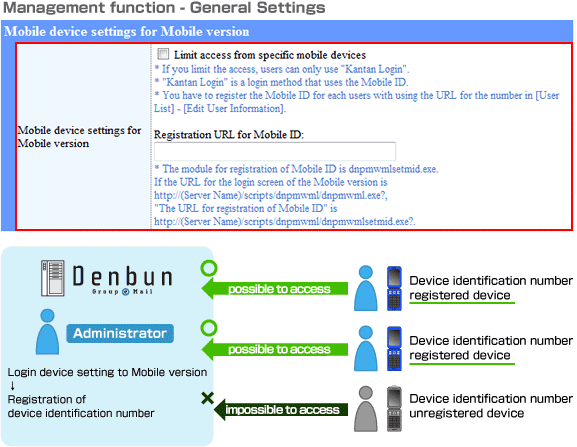
The feature to limits access from mobile devices
With registering device identification numbers with the server before hand you can limit access from specific mobile devices.
Product and company names mentioned in this page may be their trademarks or registered trademarks.